
 Plate 12 · Banana Creek, 01:35




The notch,as aninstrument.
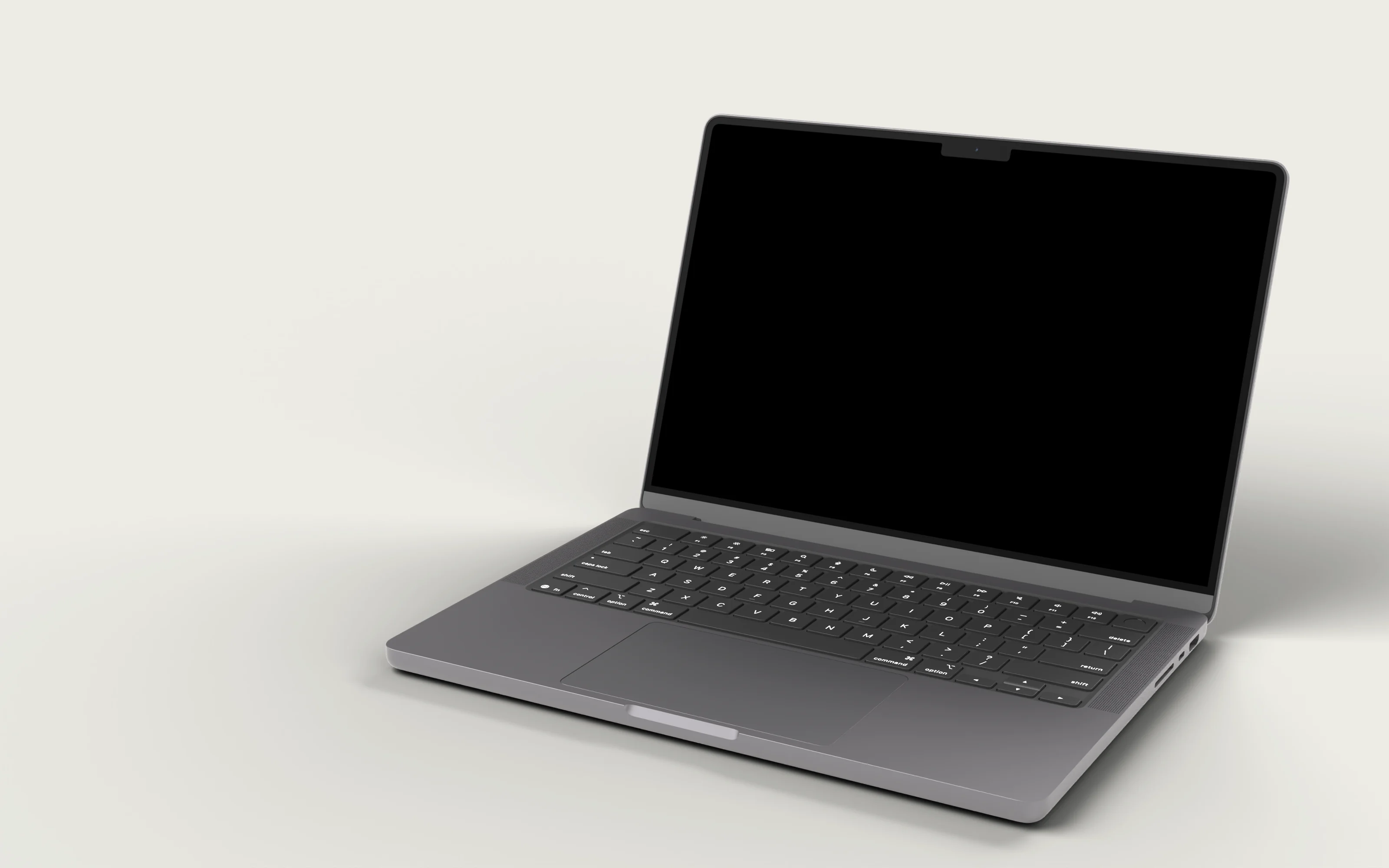
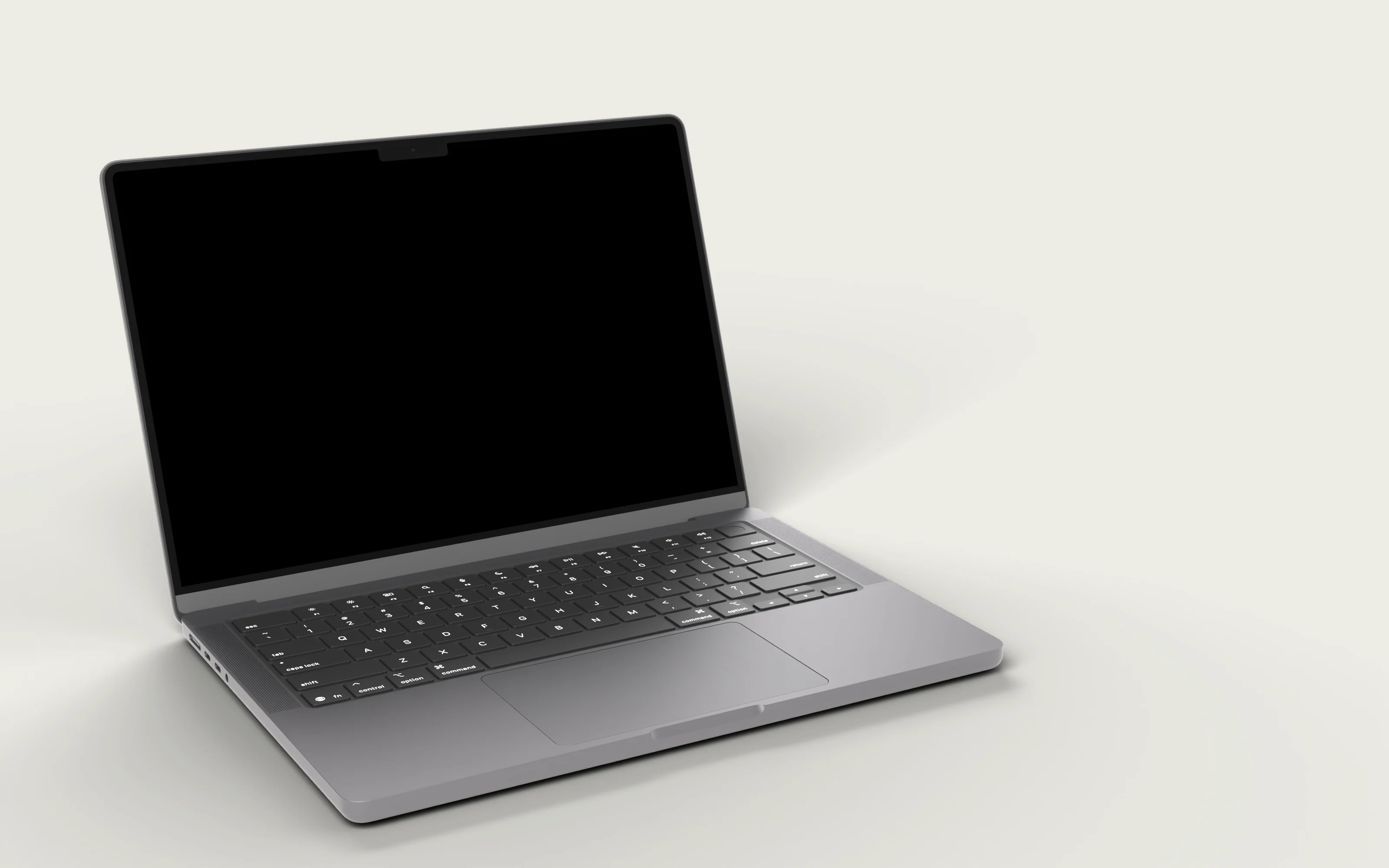
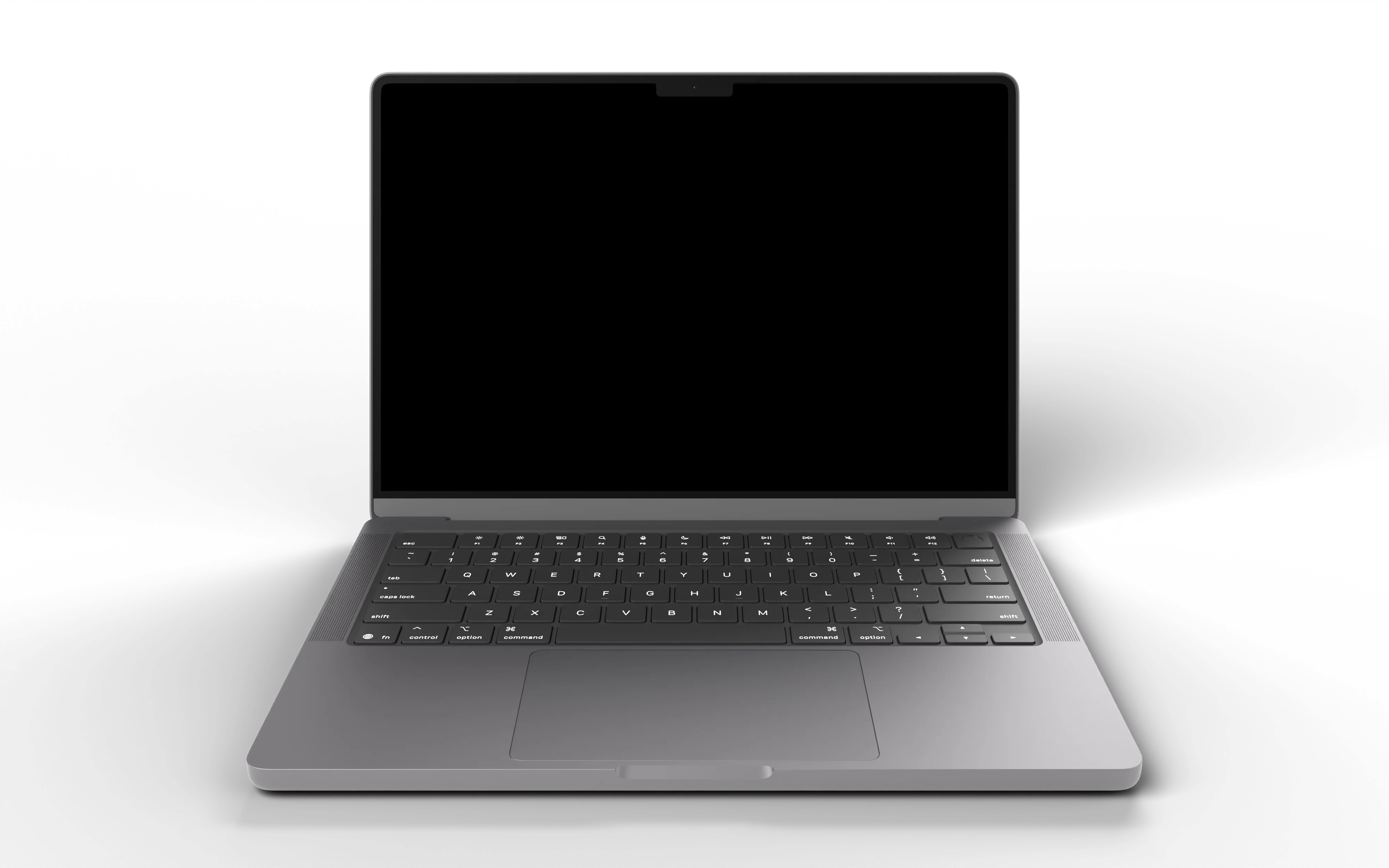
Brow puts your MacBook's notch to work. Your coding agents ask permission there, and your limits, clipboard and screenshots wait there until you need them.
Up to three personal Macs.
Applicable tax added at checkout.
1Agents
It asks
you there.
Claude Code wants to push. Brow drops the question out of the notch, over whatever you're doing. Answer it and it folds away.
2Limits
Every limit,
one glance.
Point at the notch: what's left of each limit, when it resets, and what every agent is doing right now.
3Capture
Screenshots,
built in.
Drag an area and the shot lands in the notch, ready to drop anywhere. No extra app, no file on the desktop to clean up.
- ⌘⇧1The whole screen
- ⌘⇧2An area you drag
- ⌘⇧9A window you click
- ⌘⇧8A long, scrolling page
- ⌘⇧0Just the words in an area
4Shelf
Nothing
gets lost.
Drop anything on the notch and Brow keeps a copy. Turn on clipboard history and your last twelve copies wait there too.
- CopiedText, links, pictures, files and colours
- DroppedAny file, kept as a copy
- CapturedEvery screenshot Brow takes
- KeptOn this Mac, in folders you name
- Now
- Agents
- Feed
- Shelf
- Capture
- System
- Watch
- Markets
- Studio
- Music
- Business
- Widgets
5The tour
Twelve faces,
one notch.
6Watch
YouTube,
in the notch.
Send a YouTube tab's video to the notch and it carries on from the same second: small, medium or large.
- PlaysThe video from your YouTube tab
- SizesSmall, medium and large
- ControlsPlay, pause and skip ten seconds
Keep watching
while you work.
The video stays in the notch. The rest of the screen stays yours, and so does the agent's attention.
7Price
$9.99Once.
Up to 3 personal Macs.
Everything Brow does, including the parts the App Store can't allow. Updates included. No subscription, no account. Priced in USD; applicable tax added at checkout.
Buy Brow · $9.99Every face,
up close.
These are the app's own panels, drawn by Brow itself. Seven cover the everyday; five more are there if you trade, make images or music, run a business, or want a page of your own.
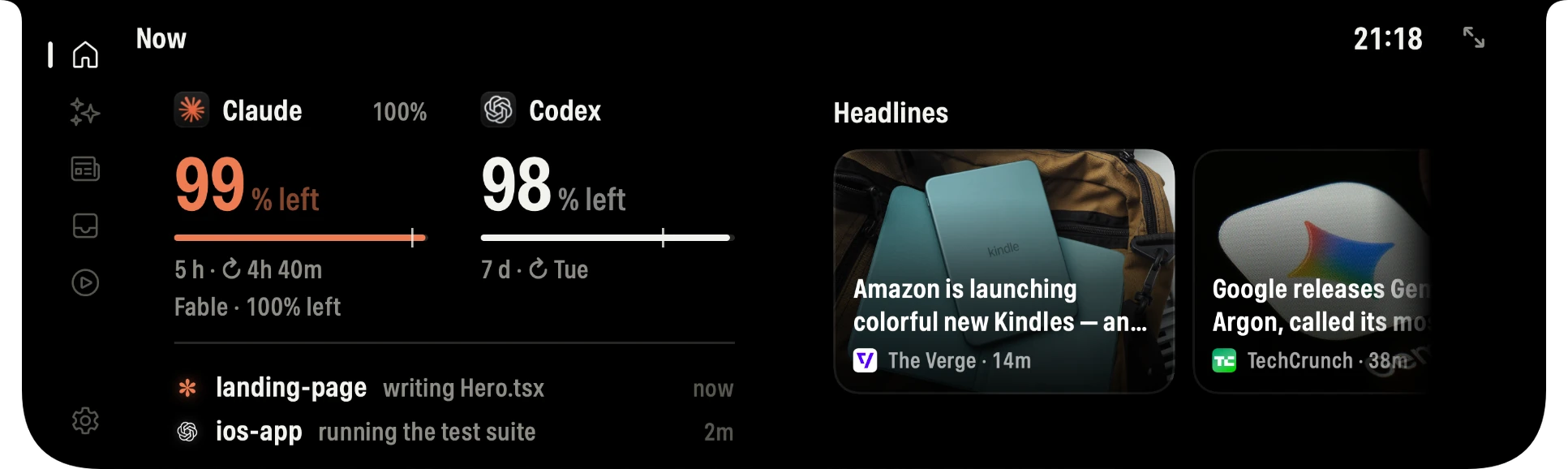
NowWhat’s left of every limit, the agents at work, and the headlines. 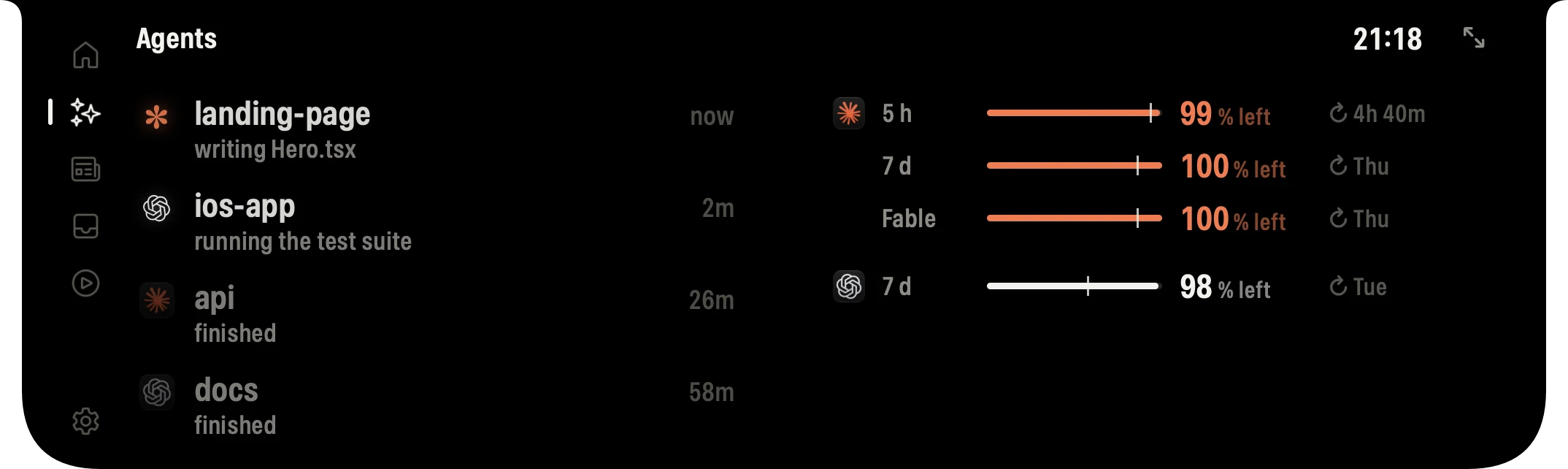
AgentsEvery session and its state, one click from its chat. 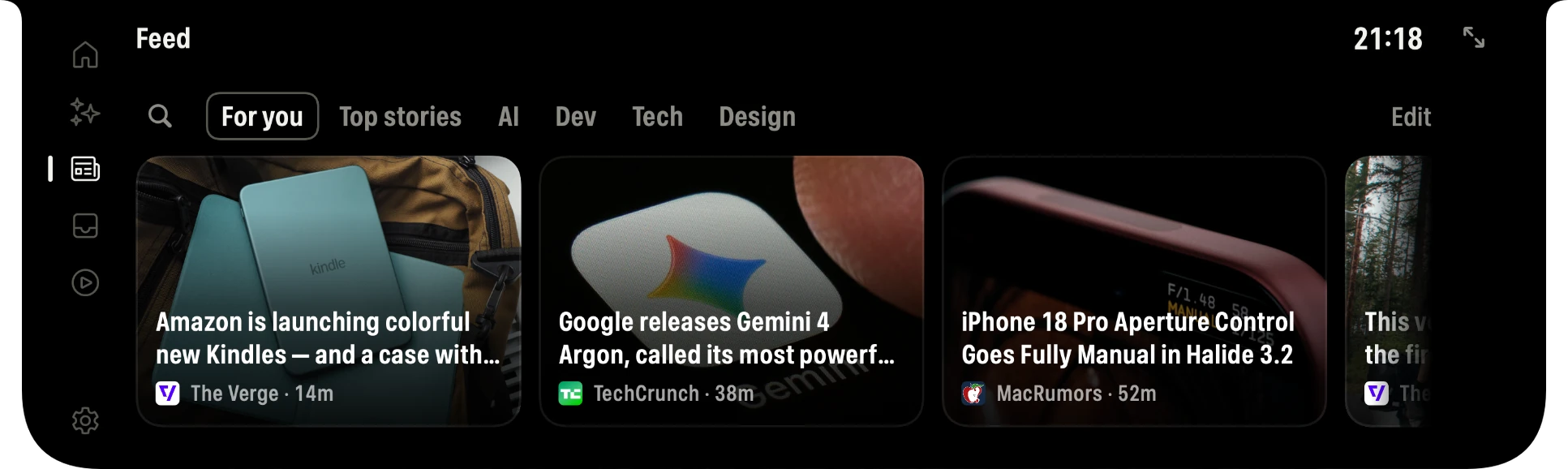
FeedThe news from the outlets you pick, as pictures. 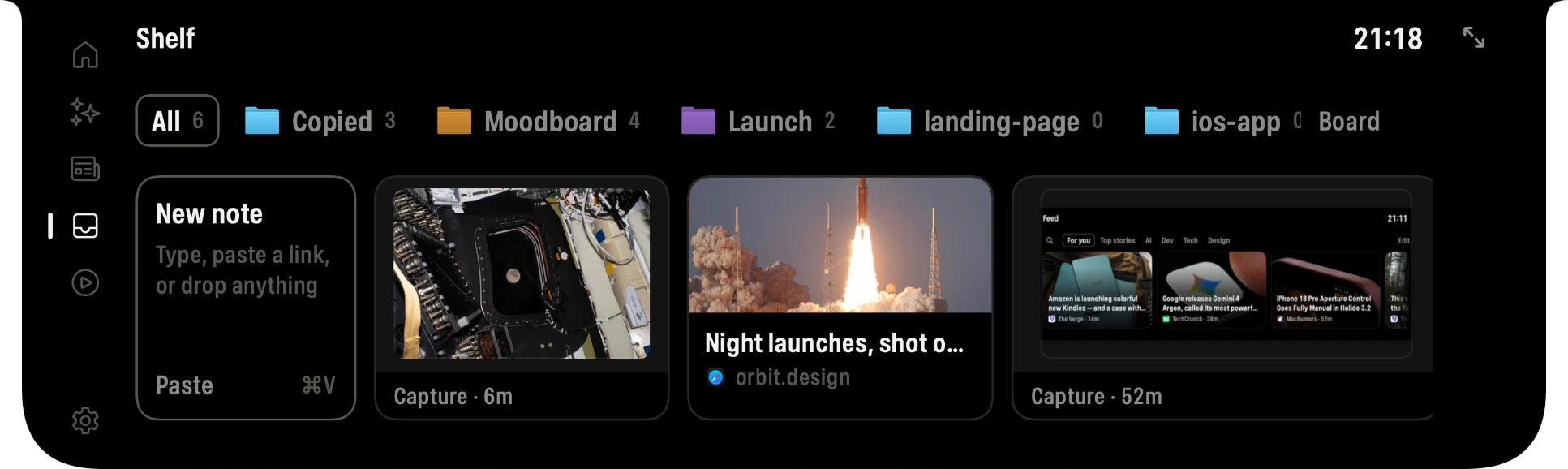
ShelfEverything you copied, dragged or captured, in folders. 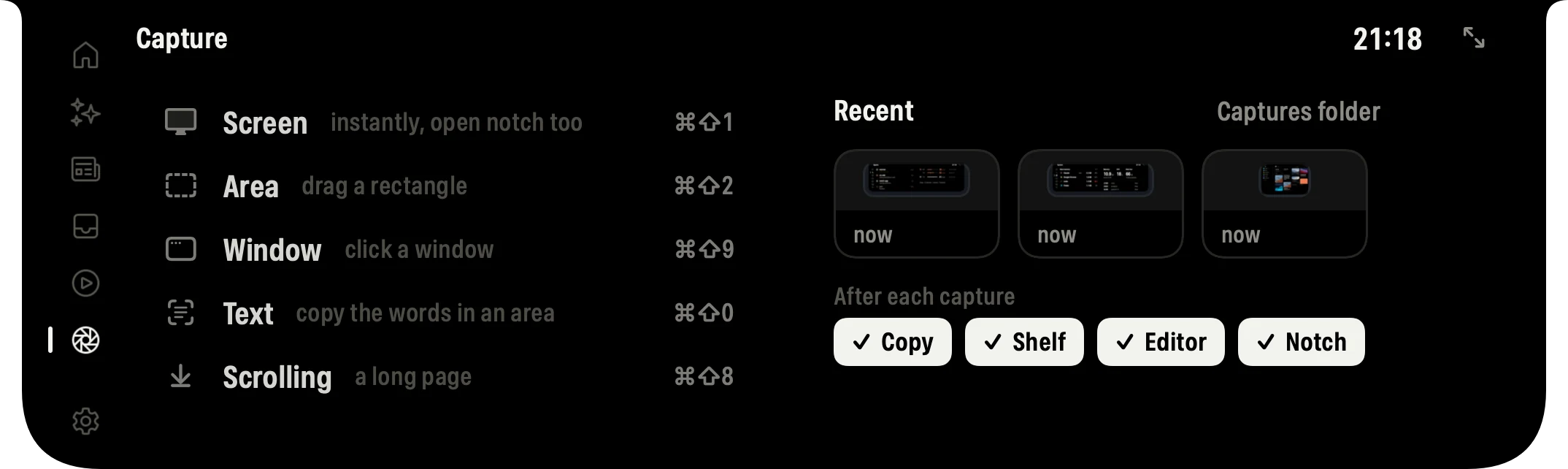
CaptureScreen, area, window, scrolling page or text, each on its own shortcut. 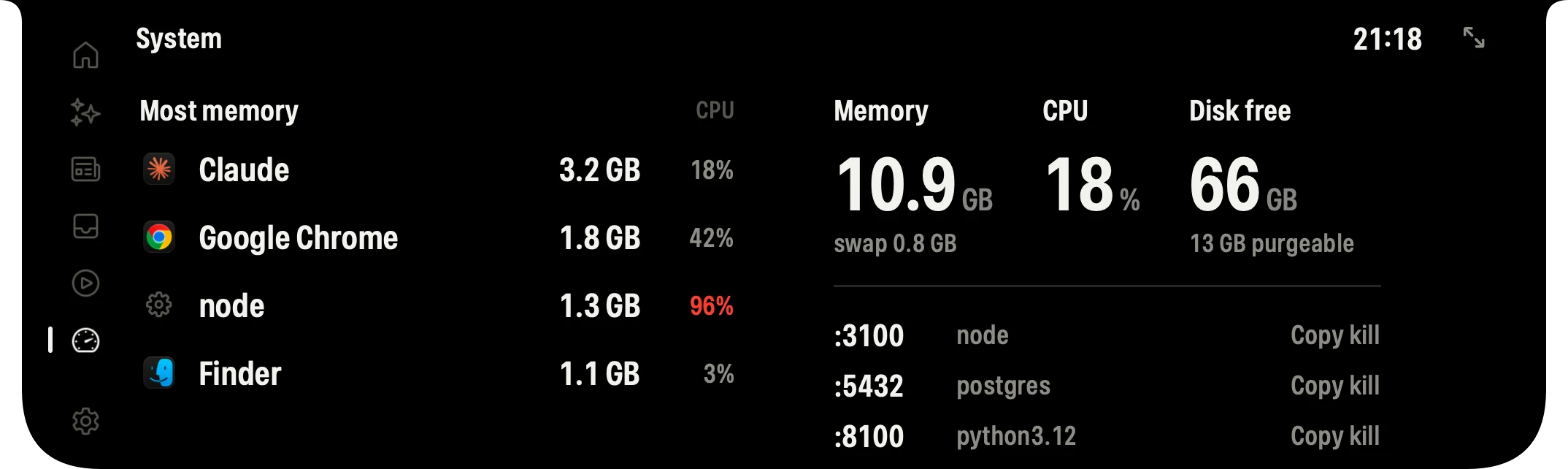
SystemMemory, CPU, disk, and the ports a dev server left open. 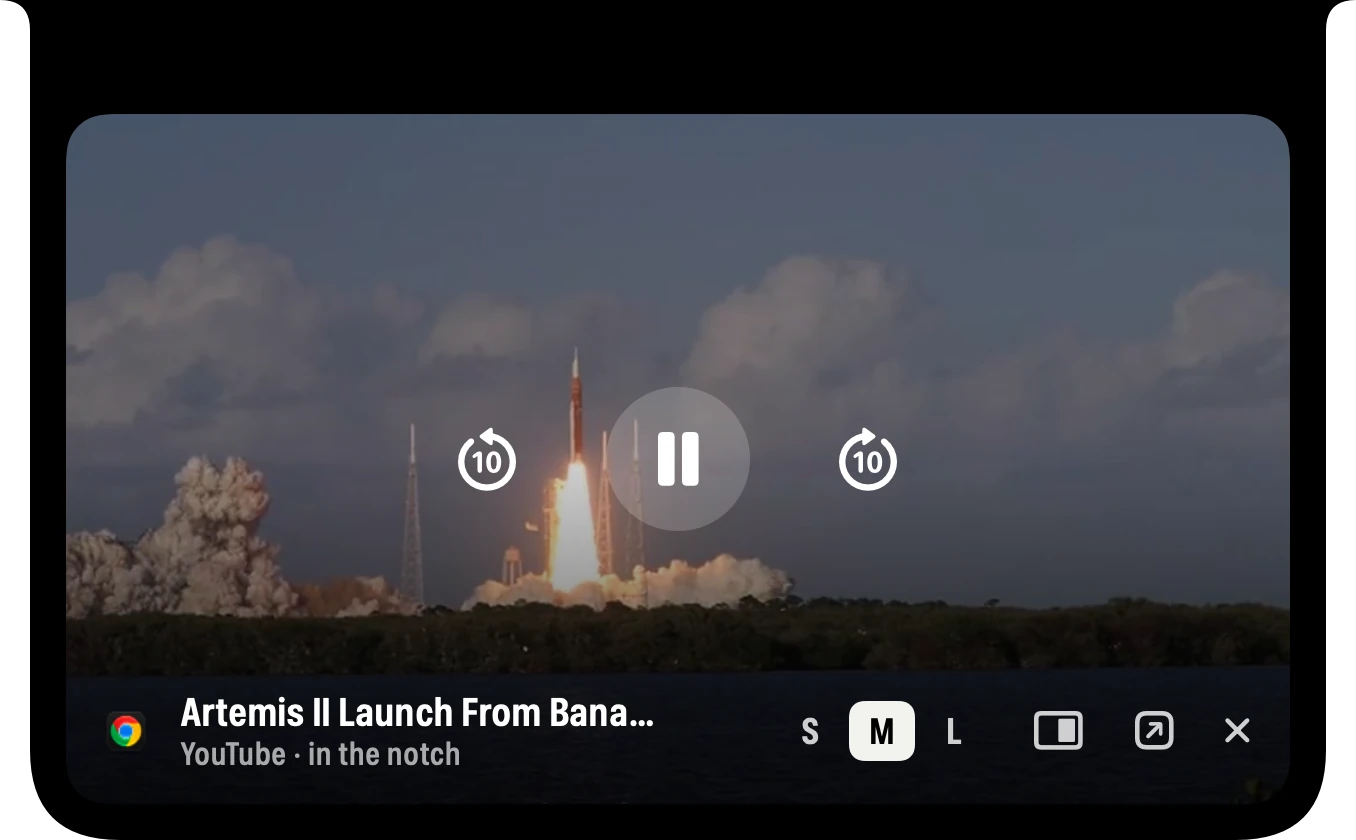
WatchA YouTube video that keeps playing while you work. 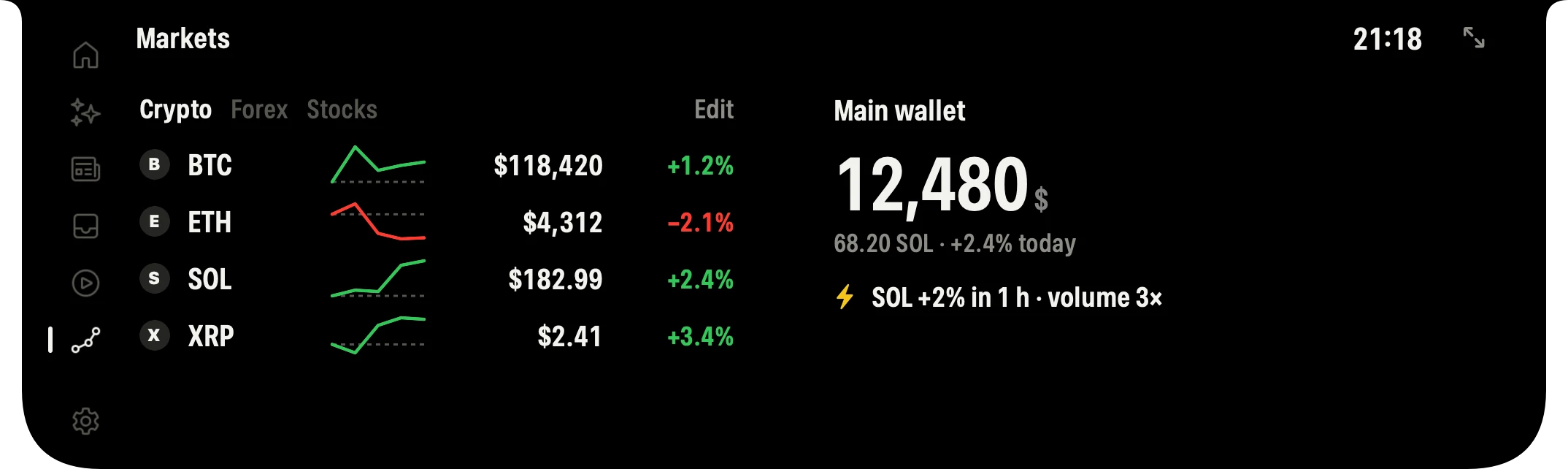
MarketsYour watchlist and the market’s moves: crypto, forex and stocks. 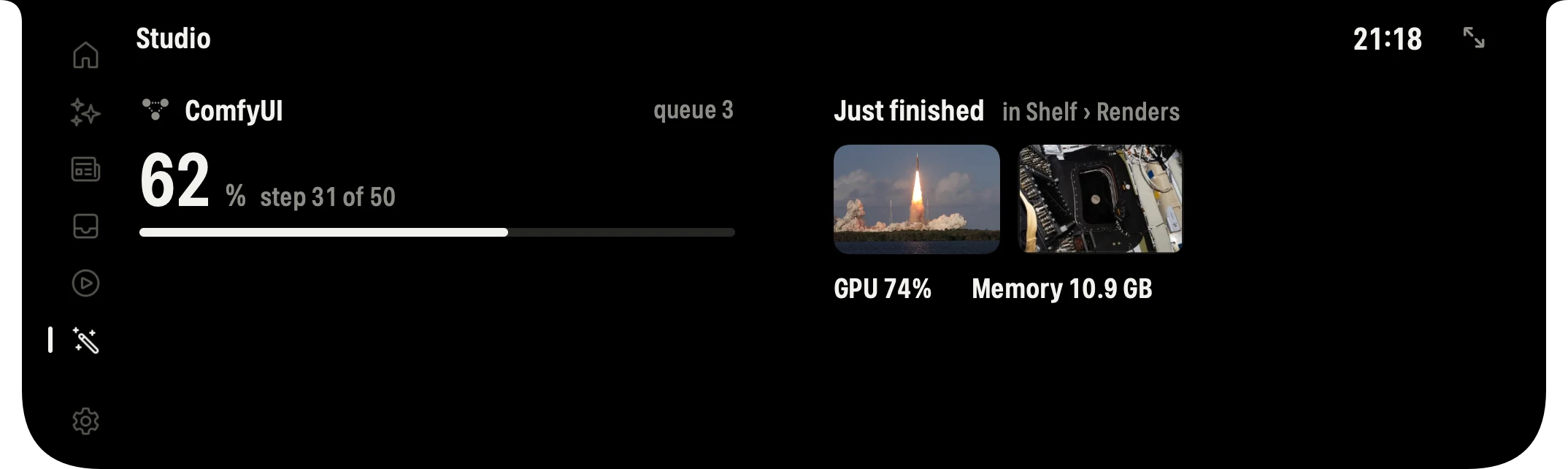
StudioYour AI images and video as they finish, with the queue and the GPU. 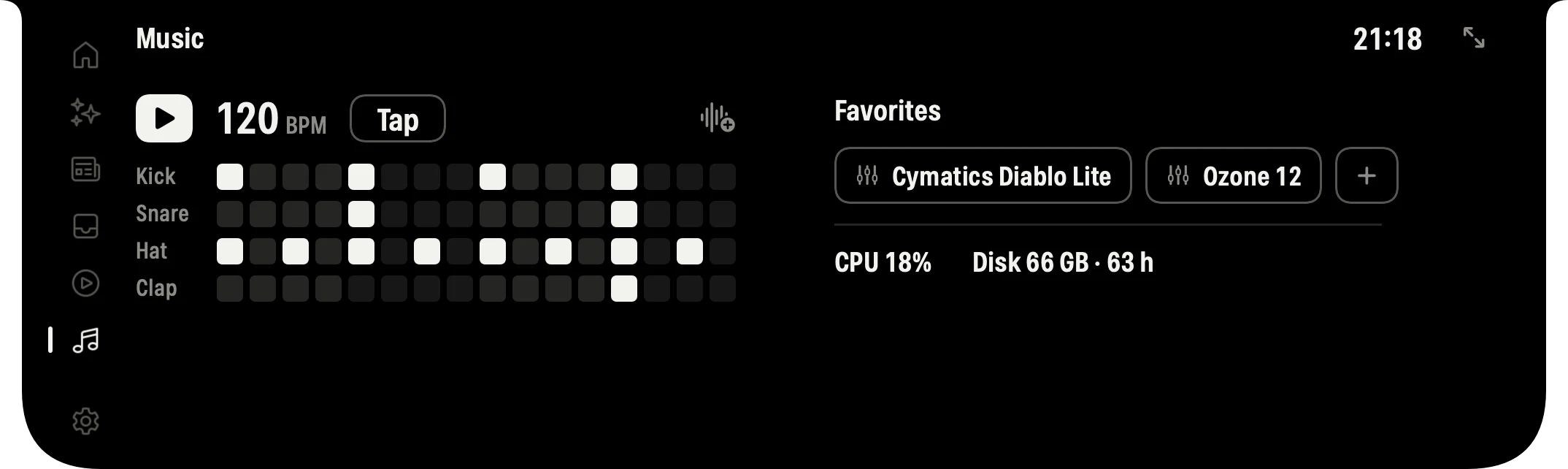
MusicA drum machine, tap tempo, your plug-ins and the studio’s load. 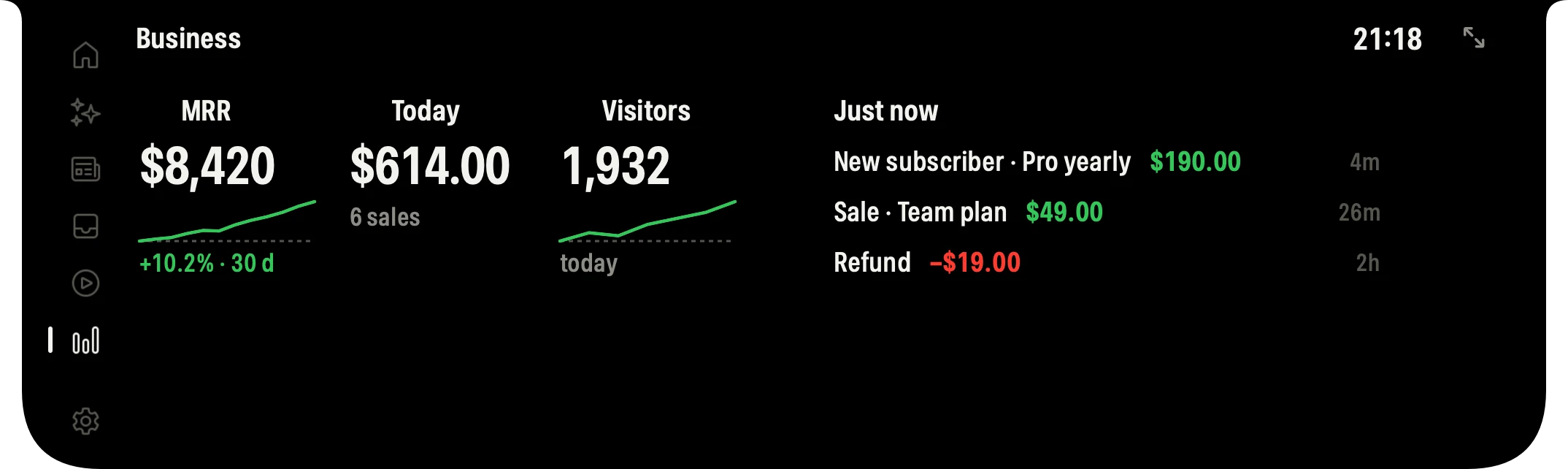
BusinessThe numbers you check every day, without opening a dashboard. 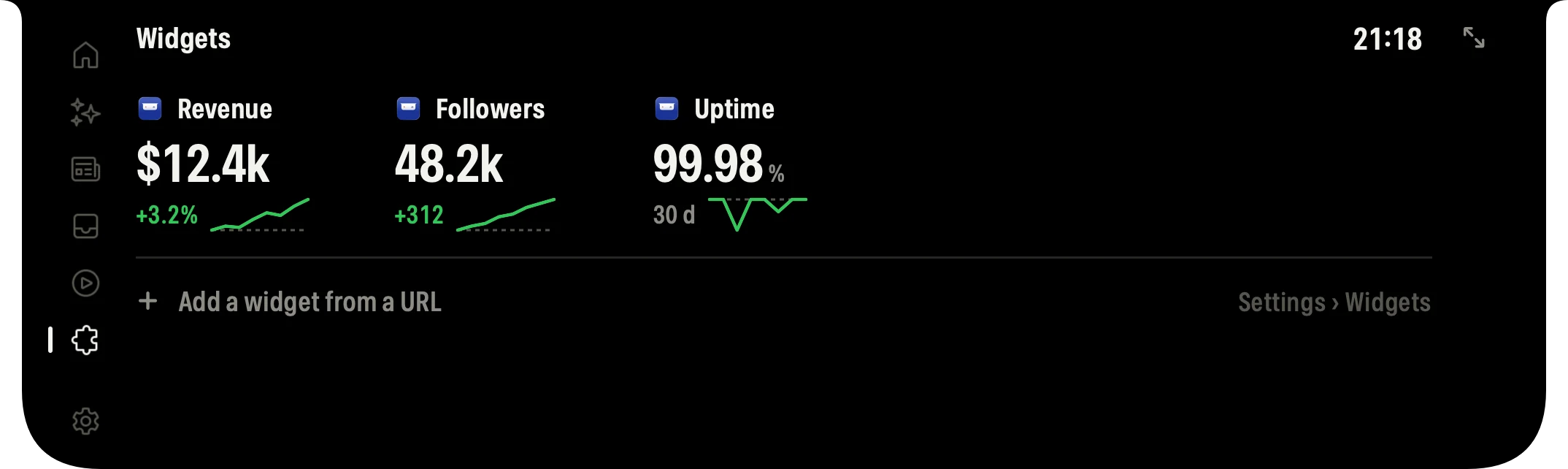
WidgetsAny URL that returns a little JSON, as a widget in the notch. Rest the pointer on the notch and it opens; move away and it closes. One click on the rail switches faces.
Buy Brow · $9.99
Two builds,
one Brow.
The App Store version lives in Apple's sandbox, so it can't reach your browser or your Terminal. The version from this site can.
| Feature | From this siteUSD $9.99 once | Mac App StoreFree, Pro $4.99 |
|---|
Questions
- Which Macs does Brow run on?
- Any Mac with a notch, on macOS 26 or later.
- Does Brow collect anything?
- The app has no account, no analytics and no tracking; everything stays on your Mac. This website counts visits, without cookies.
- Which agents does it work with?
- Claude Code, Codex, Grok and OpenCode. Limits show for Claude and Codex.
- How do I get help?
- Write to support@getbrow.app. We answer within two business days.
- Can I get a refund?
- Yes, in full, within 14 days of buying. Write to billing@getbrow.app. Terms and refunds.